LLM Serving With LEXIS Platform Inference Service
We run an inference service as part of the LEXIS platform. It lets you serve open-weight large language models (LLMs) from your project’s Karolina GPU allocation through an OpenAI-compatible API without having to manage vLLM or SLURM jobs yourself.
Prerequisites
This guide is primarily meant for the principal investigator (PI) of an active project with Karolina GPU resources. Once the PI sets everything up, other project members will be able to access the service, starting from point 3 of the quickstart guide. It is also assumed that you already have a LEXIS project created with at least one GPU resource assigned to it.
Quickstart
Log in and Select Your Project
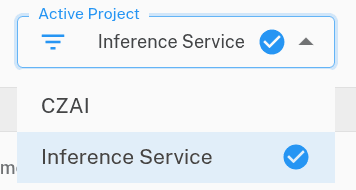
Log in to https://aitraining.lexis.tech/> and select your project (Inference Service) from the Active Project dropdown:
Request Activation of the Service
Send us an email at inference.service@it4i.cz. In the email, state that you wish to activate the inference service for:
- Your LEXIS platform project name, as seen in the screenshot in step 1,
- the name of the GPU resource or your compute project (e.g.
OPEN-12-34or similar).
Register Models
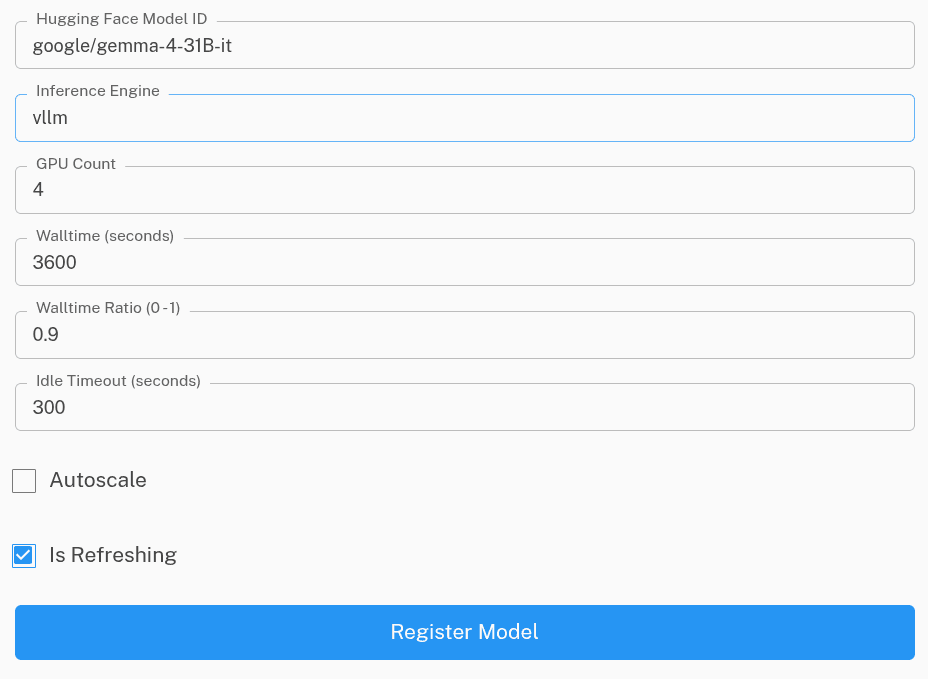
Once we set everything up, the PI will be able to register models for the project. In this example, the open-weight google/gemma-4-31B-it model from Hugging Face is served by the vLLM engine on 4 GPUs:
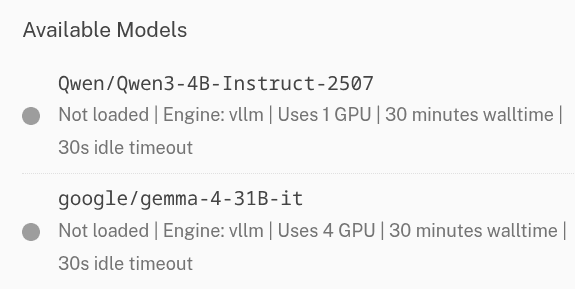
The registered models then appear in the list of available models for your project:
Access the OpenAI-compatible API
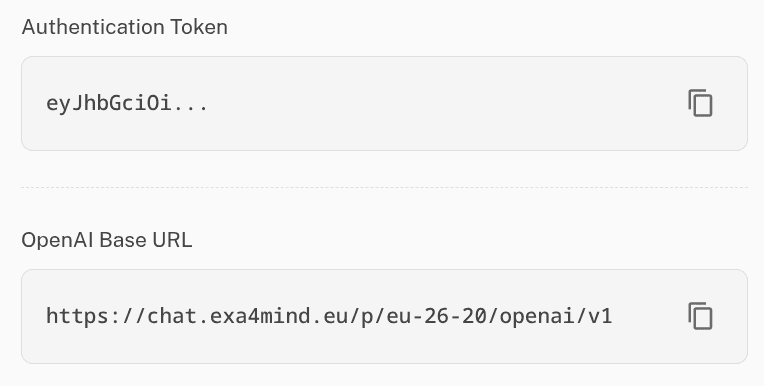
All members of the project can then use the registered models through the OpenAI-compatible API. The base URL and the API key are displayed in the Access section:
Use the API in Your Tools and Scripts
Add the OpenAI API URL and API key to your agents, tools or scripts as a custom inference provider. For example, with the official OpenAI Python SDK:
from openai import OpenAI

client = OpenAI(
    base_url="https://chat.exa4mind.eu/<project-id>/openai/v1",
    api_key="<your-token>",
)

response = client.chat.completions.create(
    model="google/gemma-4-31B-it",
    messages=[{"role": "user", "content": "Hello!"}],
)
print(response.choices[0].message.content)
Note on Project Accounting and Availability
The registered models are deployed in the background on the target HPC cluster, meaning the availability is limited by the SLURM job cold start. It might take several minutes for the first job to start serving the first inference request. The jobs are only started for a specified walltime slot, on demand, driven by the inference API usage.